How do you import a recipe from a website?
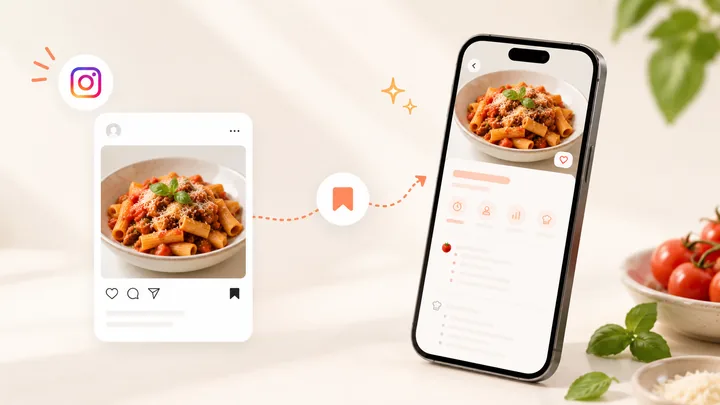
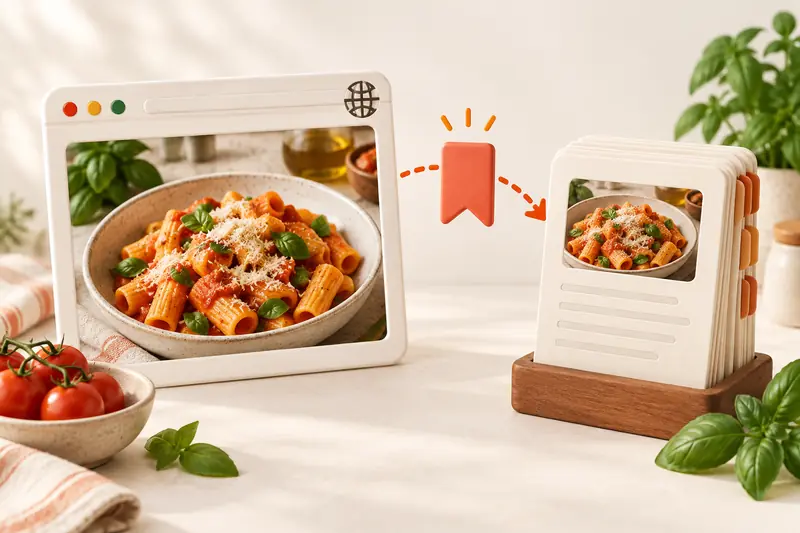
Open the full recipe page, share its link to CookBook or paste it into the app, then review and save the ingredients and instructions. On desktop, use the CookBook browser extension or paste into the web app. Keep the source link with the saved recipe so you can return to the creator.
Recipe importing turns the content of a recipe page into editable fields such as title, servings, ingredients and method. A bookmark only stores a link. Choose the import route that suits the device you are using, then give the result the same short review.
In this article
- How do you import a recipe from a website?
- Why use CookBook instead of another bookmark?
- Choose the import method for your device
- Import on iPhone or iPad
- Import on Android
- Import on a computer
- Check five things before saving
- Recover an incomplete import
- Give the recipe a useful home
- Frequently asked questions
- Save the next recipe you want to cook
Why use CookBook instead of another bookmark?
Choose CookBook when you want to cook from what you save. A browser bookmark can take you back to a page; CookBook gives its recipe a place in your own collection, with ingredients and instructions you can edit.
- One home for different sources: keep a website recipe beside a scanned family card or a supported social recipe.
- Your version stays useful: add the ingredient change or timing note you want to remember next time.
- The next step is already there: add the saved recipe to your meal plan and use its ingredients for your shopping list.
A bookmark or printout may be enough for an occasional recipe. CookBook is the stronger fit when saving, finding and cooking recipes is a regular habit. The steps below show you how to start with one.
Choose the import method for your device
| Device or source | Route | When to use it |
|---|---|---|
| iPhone or iPad | Safari Share → CookBook | You are already reading the recipe in Safari. |
| Android phone or tablet | Chrome menu → Share → CookBook | Send the current page without switching to copy the URL. |
| Desktop browser | CookBook extension or the web app | Use a larger screen to import, edit and organise. |
| Copied recipe URL | Paste on the CookBook home screen | A link arrived in a message, email or another browser. |
| Recipe text without a working URL | Add → Text | You can read and copy the complete recipe but link importing is incomplete. |
If you are still choosing where to keep your collection, compare recipe manager apps. CookBook’s importing overview covers links, text, scanning and supported files.
Read the method in the language you cook in: CookBook offers optional automatic translation during import for its six non-English app languages. The setting starts off. Keep the source link, review the result and choose ingredient units separately. To find a recipe before you import it, explore popular and trending website recipes in Discovery.
Import on iPhone or iPad
- Open the individual recipe in Safari, rather than a search result or collection page.
- Open Safari’s Share menu and choose CookBook. If needed, find it under More in the app row.
- Choose Edit recipe to inspect the result, or Save to CookBook when you are ready to save it.
- Check the portions, ingredient amounts and the order of the steps. Add a useful tag before saving.
See the Safari share instructions.
Import on Android
- Open the recipe in Chrome.
- Use the browser menu, choose Share, then select CookBook.
- Confirm Import when prompted.
- Review the recipe in the editor and save it.
See the Android browser instructions.
Import on a computer
The CookBook web app opens in a browser on a computer. Paste the full recipe URL there, or use the official CookBook Chrome extension while browsing. Sign in to the same CookBook account as your phone so the saved recipe joins the same collection.
A desktop is useful when a recipe needs longer notes or ingredient corrections: keep the original page beside the editor, compare each ingredient line, then save once the two agree.
Check five things before saving
- Title and source: use the dish name and retain the original URL.
- Servings: confirm whether the original yields portions, slices or individual pieces.
- Ingredients: check fractions, units and separate groups such as sauce and topping.
- Instructions: make sure the final cooking step is present, and keep temperatures with their units.
- Your notes: separate substitutions you plan to make from the creator’s original directions.
For example, a pasta recipe that serves four should remain four servings when first saved. If you plan to cook for two, use serving scaling afterwards. Changing the imported yield to two without checking the ingredient quantities makes the recipe internally inconsistent.
Recover an incomplete import
| What you see | What to do next |
|---|---|
| The title arrives but the ingredients do not | Open the original and check that you copied the recipe page itself. Copy the ingredient list and method into Add → Text if they are readable. |
| The page contains several recipes | Open the individual dish, or copy only that recipe’s complete text. |
| The recipe is a photo or a PDF page | Use the recipe scanner and review the recognised fields. |
| The source needs a login or is unavailable | Use content you can legitimately access. Find another original source, enter your own version, or leave the import until the recipe is available. |
A practical recovery example: you receive a link to a blog’s weekly roundup, but want only its tomato pasta recipe. Follow the tomato pasta link to its individual page and import that URL. If the recipe still arrives without its method, copy the complete ingredient list and numbered instructions into Add → Text. Confirm the preview, review the same five fields, and retain the individual recipe’s URL as the source.
Use recipe scanning for written recipe images, or follow the Instagram recipe guide for social posts. The incomplete import guide explains additional recovery options. Do not fill a missing quantity with a guess and treat it as the creator’s instruction.
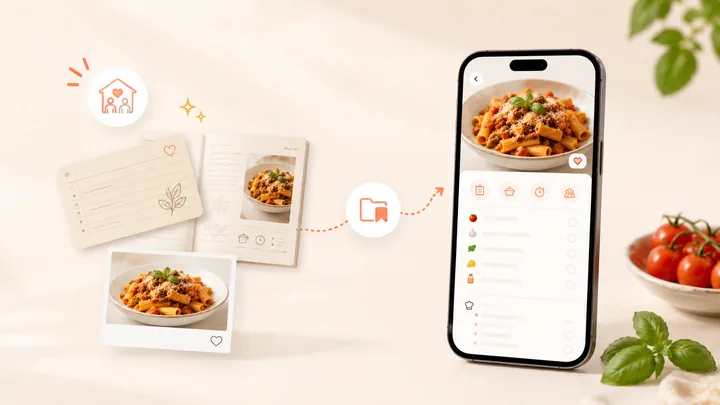
For other sources, explore TikTok recipe-saving options or follow the family-recipe workflow for paper cards and photos.
Give the recipe a useful home
Add one practical tag such as Weeknight or Baking, then search for the recipe by its main ingredient to check that you can find it again. Our recipe organisation walkthrough shows how to keep new imports from turning into another unsorted inbox.
Give that first import a purpose: choose when you will cook it, set the portions and add the ingredients you need to a shopping list. You can plan meals from your saved recipes, then use cooking mode to follow the method. The useful result is a dinner you can make again with your own notes intact.
Keep the creator’s source link with your recipe. Read about private collections, sharing and copyright before passing on a copy.
Frequently asked questions
Can I import recipes without a browser extension?
Yes. Copy a recipe URL and use Paste in CookBook, or share the page from a supported mobile browser. The extension is an additional desktop shortcut.
Why did only part of a recipe import?
The page may separate its recipe across images, links or sections, restrict access, or omit details. Review the original, then use complete copied text or a clear recipe image when appropriate.
Does importing save the whole website?
No. Recipe importing focuses on the recipe fields. Keep the source URL for the creator’s wider article, explanations and updates.
Can I change ingredients after importing?
Yes. Edit the saved recipe to correct details or make your own version. Keep notes explaining substitutions when they affect the method, servings or cooking time.
Save the next recipe you want to cook
Get CookBook and import your first recipe. Choose a complete recipe you already want for dinner, use the route for your device and finish by adding it to your plan. Start free with up to 20 saved recipes, 20 smart imports and 2 shopping lists; see CookBook plans when your collection grows.
For the app controls, see text and link importing, Safari sharing and Chrome on Android.