Quick answer
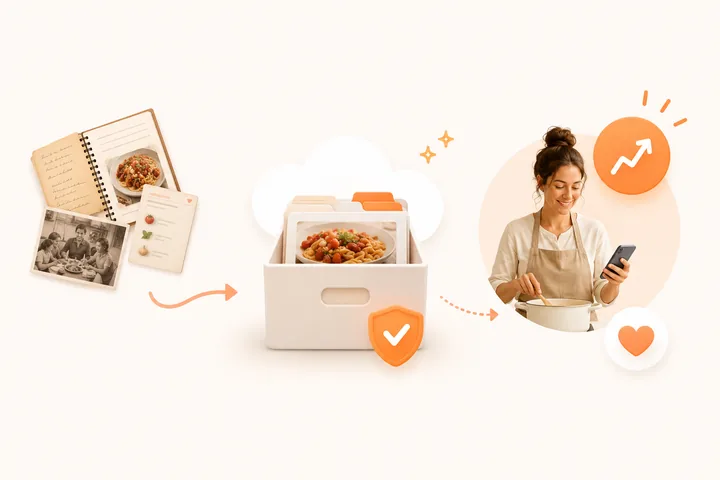
Photograph the original family recipe, create an editable version, check unclear quantities with someone who knows the dish and save both the cooking instructions and the story. Use recognisable names and a few family tags. Keep a separate copy of important original photos as well as the recipe in CookBook.
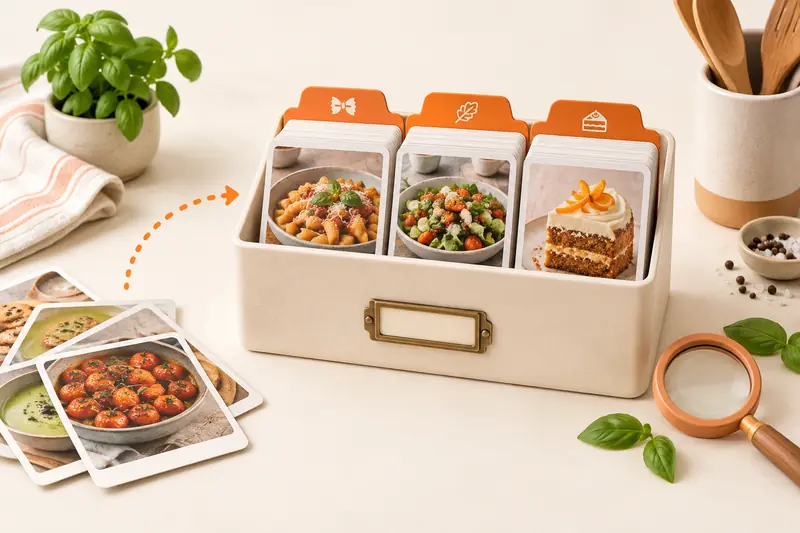
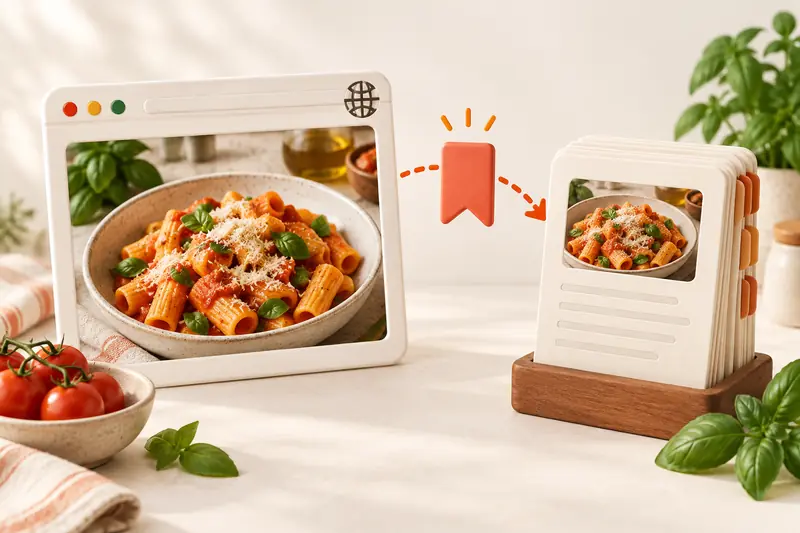
Before moving a family collection, compare recipe managers for scanning, organising and device access so the app fits the recipes you want to keep.
In this article
- See the CookBook workflow
- Quick answer
- Why family recipes need a better system
- What matters when organising family recipes
- What makes CookBook a home for family recipes?
- A practical workflow for organising family recipes
- From a family card to a clear cooking copy
- Share a useful copy and keep an archive
- A small-batch preservation checklist
- Common mistakes to avoid
- FAQ
- Bring one family favourite back to the table
- Useful CookBook instructions
Product evidence
See the CookBook workflow
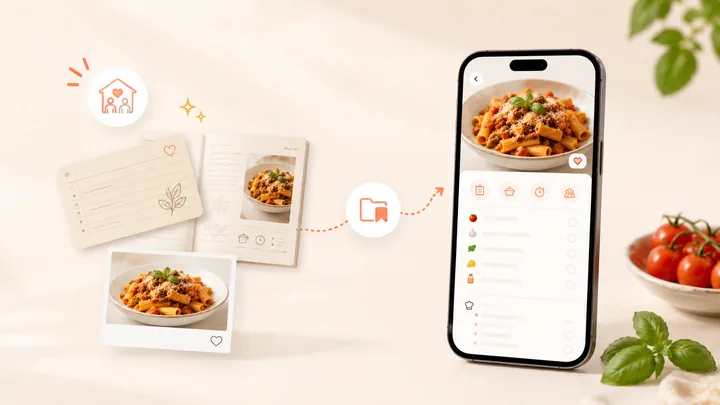
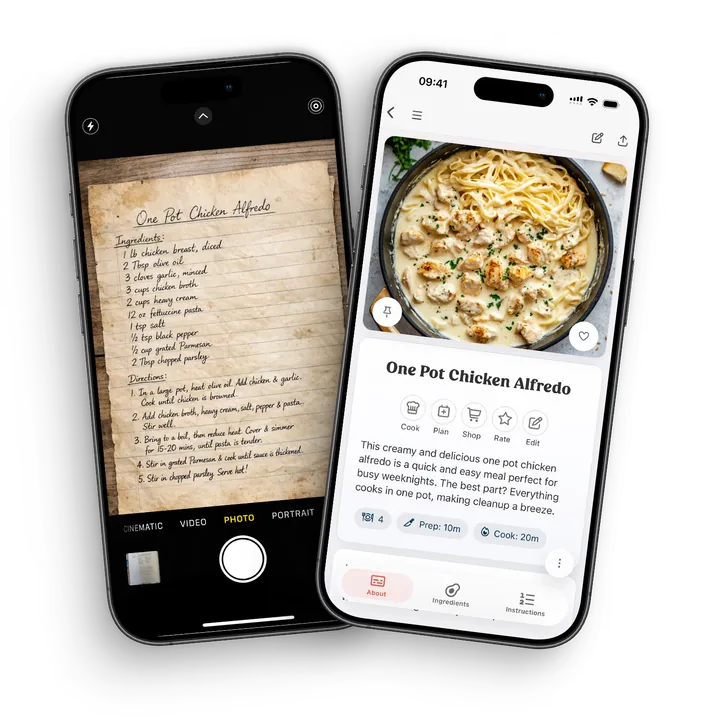
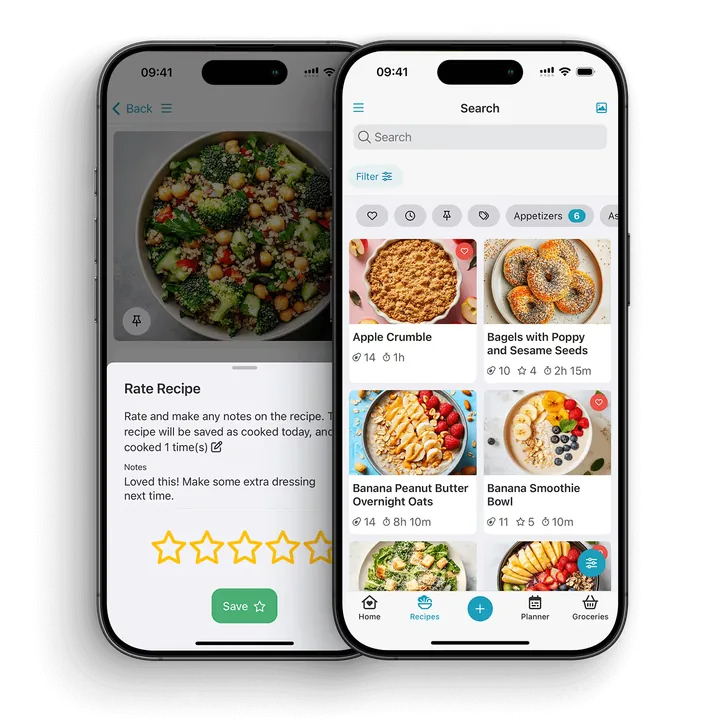
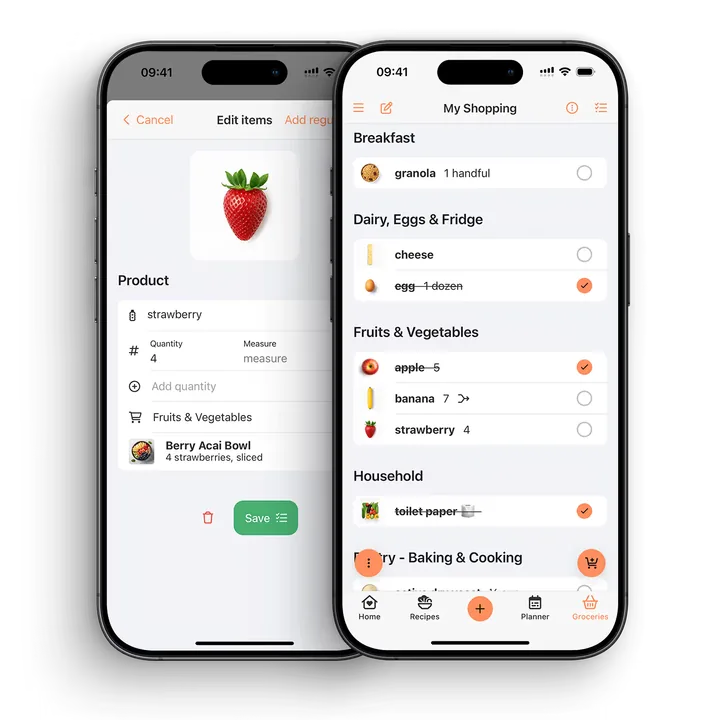
Use these CookBook screens to follow the recipe from capture to an organised collection and a shopping list. The worked example below explains what to check in your own recipe.
Put the workflow into practice
- Choose one family recipe with a readable original.
- Scan it and compare ingredient quantities line by line.
- Add a recognisable title, family context and a useful tag.
- Keep the original photo and share a copy in the format the recipient needs.
Check before you cook
- Unclear handwriting and incomplete instructions need confirmation.
- Preserve an original quantity instead of guessing what it should mean.
- Keep important original photos separately from server-linked recipe exports.
Why family recipes need a better system
Family recipes are often scattered across cards, notebooks, texts, photos, cookbooks, emails, and memory. That makes them easy to lose and hard to cook from. A good digital recipe system protects the sentimental parts while making the recipe practical for everyday cooking.
The goal is not to make family recipes feel less personal. The goal is to keep them usable, searchable, and safe enough that people can keep cooking them.
What matters when organising family recipes
Preserve the original
If a recipe card has handwriting, stains, notes, or a story attached to it, keep the photo. The original is part of the recipe’s meaning.
Create a clean cooking version
The cooking version should be easy to read on a phone, tablet, or laptop. Ingredients, method, servings, timing, notes, and substitutions should be clear enough for someone who did not grow up making it.
Add family context
Notes matter. Add who the recipe came from, when it is usually cooked, what to serve with it, which substitutions work, and any “do not skip this” details.
Use simple tags
Tags make a family collection easier to browse. Useful tags include family favourite, Christmas, baking, Sunday dinner, freezer friendly, grandma, vegetarian, weeknight, or kids.
Keep recipes private by default
Many family recipes are personal. A recipe organiser should not force them into a public feed. CookBook is built around your personal recipe library.
Keep family wording in the original recipe and save a translated version when another household member needs it. CookBook’s saved-recipe Translate tool uses your selected app language and requires Pro. Review unusual ingredients, handwritten quantities and safety instructions against the original; preserve the family notes that give the recipe its meaning.
What makes CookBook a home for family recipes?
Choose CookBook when you want a family recipe to be part of everyday cooking as well as family history. Its recipe scanner keeps the original image for reference and turns the written recipe into fields you can check and edit. The saved recipe then works with tags, meal plans and shopping lists.
- Keep the handwriting close: refer to the original photo while correcting the cooking copy.
- Keep the story with the dish: record who made it, the occasion and the small details they would explain at the stove.
- Find a family favourite by more than its name: use tags for a relative, celebration or everyday dinner.
- Cook it again: add the recipe to your plan and take its ingredients into a grocery list.
- Choose how to pass it on: send a recipe file to another CookBook user or a readable PDF to a relative.
The original card remains worth keeping. CookBook gives you the working copy on iOS, Android and web; separate backups protect the originals. If you need relatives to contribute through their own linked accounts, check the sharing section below before choosing that workflow.
A practical workflow for organising family recipes
Step 1: Start with the recipes people ask for
Do not try to digitise everything in one weekend. Start with the recipes your family actually cooks, requests, or worries about losing.
Step 2: Photograph the original
Take a clear photo of the recipe card, cookbook page, or clipping. Good light and a flat surface make scanning easier.
Step 3: Create an editable recipe
In CookBook, open Add (+), choose Scan recipe image and select Automatic or Manual. Automatic prepares the recipe for review; Manual lets you select the text areas yourself. Compare the preview with the original before saving, especially fractions, ingredient names and the order of instructions.
Step 4: Add notes and tags
Name the recipe so it is easy to recognise, such as Gran’s lemon loaf. Add Baking and Family tags, keep the original image and record who supplied the recipe. Put confirmed clarifications in the method and retain unresolved questions in your notes.
Step 5: Cook from the saved version
The first time you cook from the digitised recipe, update anything unclear. This turns the archive into a recipe people can actually use.
From a family card to a clear cooking copy
Use this example when a card mixes clear instructions with family shorthand. The sample text says “1/2 cup sugar”, “2 eggs” and “bake in a moderate oven until done”. These three lines need different checks.
| On the card | What to check after scanning | Saved version |
|---|---|---|
| 1/2 cup sugar | The fraction must remain one half, not 12 or 1 cup. | Correct a misread fraction to match the card; retain the unit. |
| 2 eggs | Keep the count and ingredient together. | Save as 2 eggs, with any size specified on the original. |
| Moderate oven; until done | The card has no temperature, time or doneness cue. | Ask the family cook for the oven setting and signs of doneness. Keep the original wording in notes until confirmed. |
For a two-column printed page, check that each column appears in the intended order. In Manual mode, select ingredient and instruction columns separately. A clean transcription should preserve the recipe, not silently turn an uncertain memory into a precise instruction.
The recipe scanner keeps the original available while you edit. The scanner instructions explain the capture choices. After cooking, add a dated personal note about any change you deliberately made.
Share a useful copy and keep an archive
Use the recipe’s Share menu to send a CookBook recipe file to another CookBook user, or create a PDF for a relative who wants a readable copy. The web app can download a PDF; direct email sharing is a mobile option. See the sharing controls for each device.
For a wider archive, Settings includes Backup / Export recipes with Text, PDF and CookBook formats. Exported recipe files link to images on CookBook’s servers rather than embedding a separate image archive. Keep important original photos in your own storage and confirm images have been preserved before deleting an account. Read the export and image details.
CookBook recipes are private by default. Sending someone a recipe gives them that copy; it does not link your accounts. Separate accounts do not share a live household library. Choose what you send and leave account credentials private.
For the full export, photo-preservation and sample-restore procedure, follow our CookBook backup guide.
A small-batch preservation checklist
- Choose the recipes people still cook or ask for.
- Photograph fronts, backs and annotations clearly.
- Check every quantity and ask about unfamiliar shorthand.
- Retain the source person, occasion and original image.
- Find the recipe again by title and one useful tag.
- Save a separate copy of important originals and export the collection periodically.
For everyday collection cleanup after preservation, follow how to organise recipes. For the reasons an archive matters, read preserving the stories behind family recipes.
Common mistakes to avoid
- Only photographing the card: keep the photo, but also create a searchable recipe.
- Skipping notes: family context is often what makes the recipe work.
- Using vague titles: name recipes clearly so everyone can find them.
- Ignoring servings: add serving size or yield if you know it.
- Waiting for a perfect archive: start with a small set and build over time.
Download the family recipe checklist (PDF, English) and work through the example with your own recipes.
FAQ
How do I organise old family recipes?
Start by saving the most-used recipes in one recipe keeper. Photograph originals, create editable versions, add notes, and organise with simple tags.
Can I scan handwritten recipe cards?
Yes. CookBook can turn photos of handwritten cards, cookbook pages and clippings into editable recipes. Keep the original photo and check recognised ingredients, measurements and instructions before cooking.
Should I keep photos of the original cards?
Yes. The original handwriting and notes can be meaningful. Keep the photo and create a clean recipe version for cooking.
How do I make family recipes searchable?
Use clear titles and structured ingredients, then apply tags for the family member, occasion or dish type. Keep the story in notes. Search by title or ingredient and use tag filters to find the recipe again.
Can I add family notes to a recipe?
Yes. Notes are useful for substitutions, stories, serving ideas, timing tips, and anything that usually lives in someone’s memory.
Are family recipes public in CookBook?
No. CookBook is designed around your personal recipe library. Your recipes are not public by default.
Can I plan meals with family recipes?
Yes. Once a family recipe is saved in CookBook, you can add it to your meal plan and use it to help build a shopping list.
What tags should I use for family recipes?
Use tags that match how your family thinks: holidays, names, meal type, occasion, dietary needs, quick dinners, baking, or family favourites.
Can CookBook replace a family cookbook?
CookBook can become the practical, searchable version of a family cookbook. Many people still keep the original cards or books for sentimental value.
Bring one family favourite back to the table
Start with the recipe somebody still asks for. Scan it, confirm the unfamiliar shorthand and put it on this week’s meal plan. Add what you learn after cooking so the next person gets more than a photograph of a card.
Explore recipe scanning or download CookBook and preserve your first recipe. Start free with up to 20 saved recipes, 20 smart imports and 2 shopping lists; see the plans as your family collection grows.
Useful CookBook instructions
Scanning recipes, tags and filtering, sharing recipes and exporting and backing up recipes.