How do you meal plan with your own recipes?
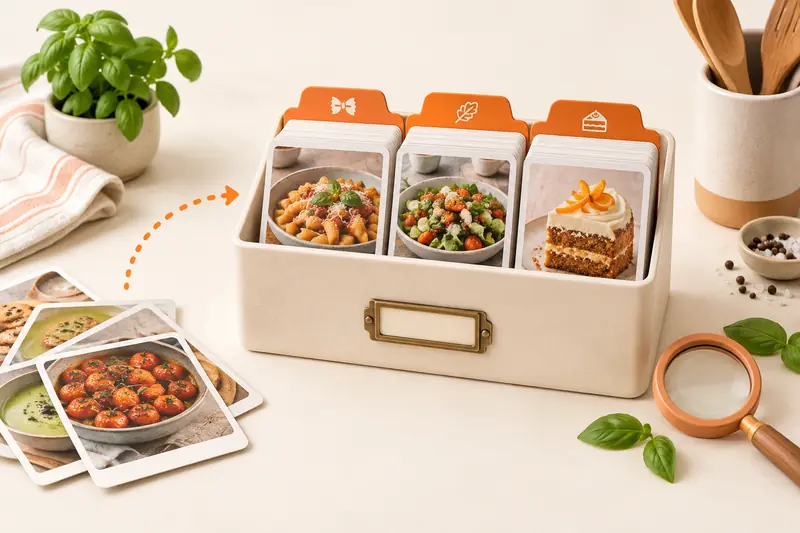
Choose meals from your saved collection, fit them around the evenings you have, set the portions and create a shopping list from the meals you will cook. Leave room for a changed plan. A meal plan is a schedule for your recipes; it does not have to prescribe every meal of the day.
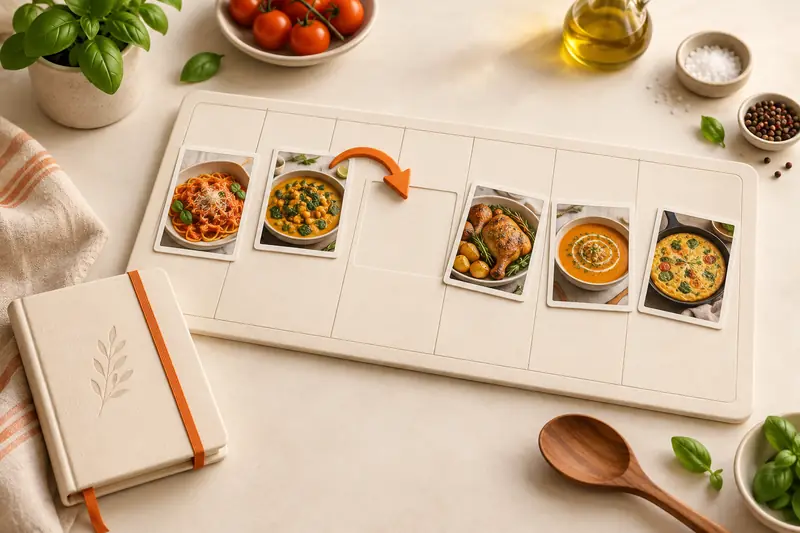
The five-dinner example below uses familiar dishes and one deliberately flexible night. It shows where to set servings, how to move a meal and when to review your shopping list.
In this article
- How do you meal plan with your own recipes?
- Why choose CookBook for your own meal plan?
- Build a five-dinner plan for two
- Choose recipes that fit the week
- Add meals and portions in CookBook
- Change one meal without rebuilding the week
- Make the list from the current plan
- Use leftovers deliberately
- Keep the routine easy to repeat
- Frequently asked questions
- Put three favourite dinners on next week’s plan
Why choose CookBook for your own meal plan?
CookBook suits cooks who want the week to revolve around their own recipes. Bring a family favourite, an imported website recipe and a new Instagram idea into the same collection, then decide which ones fit your calendar.
- Keep dinner personal: plan the dishes your household enjoys, including your saved changes and notes.
- Carry the recipe into the shop: set the portions, choose the planned meals and build a list from their ingredients.
- Use the screen that suits the job: plan in the web app, then open the synced list or recipe on your phone using the same account.
A paper calendar works if all you need is a reminder. CookBook adds the recipe and ingredient detail behind each meal. If you need to compare approaches such as freezer planning or automatic meal suggestions, see our meal-planning app comparison.
Build a five-dinner plan for two
| Day | Dinner | Portions to prepare | Planning choice |
|---|---|---|---|
| Monday | Tomato and chickpea pasta | 2 | Use a familiar saved recipe for a busy evening. |
| Tuesday | Lentil and carrot soup | 4 | Plan two portions for dinner and reserve two for Wednesday. |
| Wednesday | Soup from Tuesday, with bread | 2 already prepared | Add a clear leftover note rather than another full ingredient order. |
| Thursday | Tray-roast vegetables with rice | 2 | Use vegetables that also appear elsewhere in the plan. |
| Friday | Tomato and peach salad with a side | 2 | Keep the evening flexible if guests or plans change. |
The portion numbers are a planning example, not a dietary recommendation. Choose amounts that fit your household and follow suitable storage and reheating guidance for the food you prepare.
For a nutrition-aware plan, enter the recipe’s nutrition values or use Pro’s estimate, then set your personal daily targets. CookBook’s planner totals begin with one consumed serving per recipe. Adjust your portion and review totals after recipe edits. When the week needs a fresh idea, find a recipe in Discovery, save it and add it to the plan alongside your favourites.
Choose recipes that fit the week
- Check your calendar before picking dishes. Put a known recipe on your busiest night.
- Look at what is already in the kitchen and choose a few recipes that can use it.
- Mix reliable favourites with a new recipe instead of making every dinner an experiment.
- Read each saved recipe before planning it, especially imported quantities and cooking time.
Use recipe tags and ingredient search to narrow your own collection. If your library needs a cleanup first, follow the organisation walkthrough.
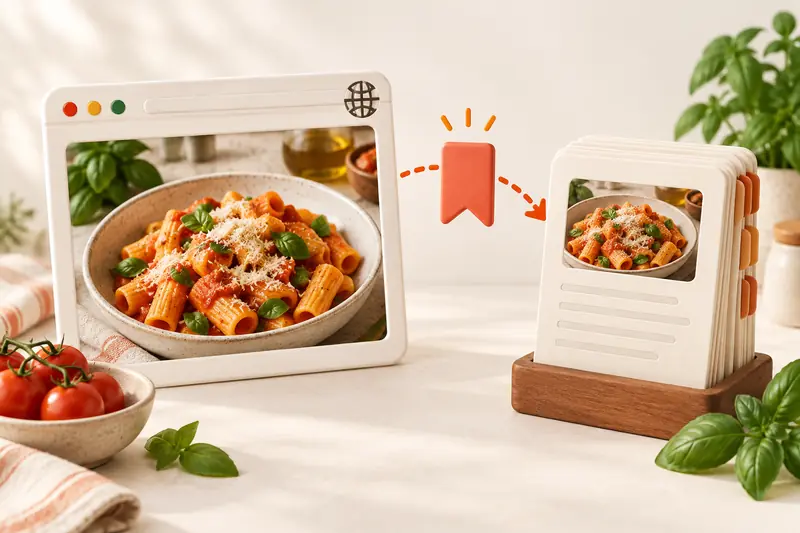
If a favourite is still a browser bookmark, import the complete website recipe before adding it to the plan. Check its portions and ingredients while the source is open.
Add meals and portions in CookBook
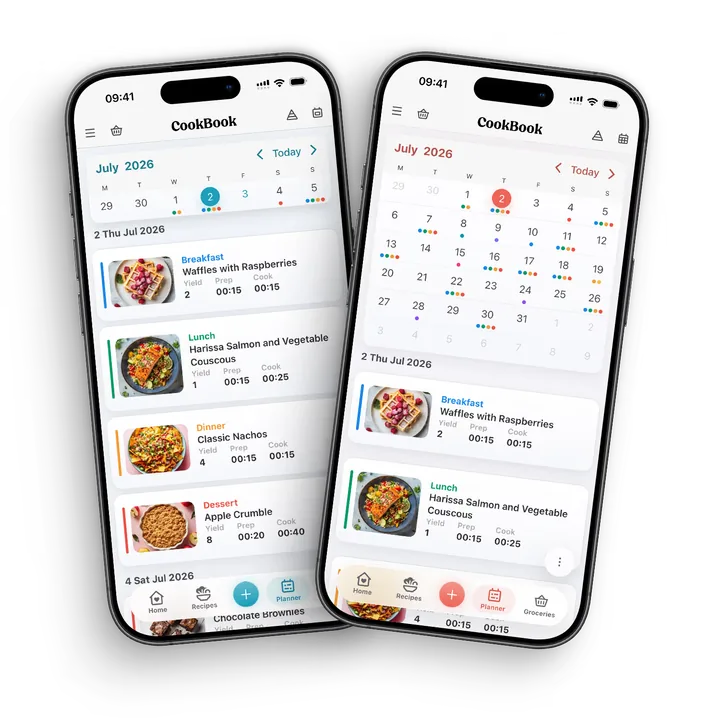
Open the Planner and choose the day and meal slot. Add the saved recipe and set the serving count for that entry. Use the week view to see the dinners together, or switch to the day or month view when that suits your planning.
In the example, set Tuesday’s soup to four portions because you intend to use it twice. Mark Wednesday clearly as the already-prepared soup. When choosing meals for the shopping list, include the soup ingredients once at the full amount you plan to cook. Counting both entries as fresh cooking would buy the soup ingredients twice.
Change one meal without rebuilding the week
Suppose Thursday becomes a late working night. Open its planned recipe, choose Edit, change the date to Saturday and save. Keep the other dinners in place. If you need to relocate a whole stretch, the Planner’s More menu includes bulk copy and move controls.
A moved meal can change what belongs in the current shop. Before creating the list, check the date range includes only the meals you are buying for. If you already made a list, review it again: remove ingredients needed only for the postponed dinner, or keep them deliberately if you still want to buy ahead. Do not assume a previous grocery list is automatically rewritten.
See the single-meal and bulk-move controls.
Make the list from the current plan
- Use the Planner shopping action and select the dates you want to shop for.
- Review which recipe ingredients you are adding, including the planned serving amounts.
- Check repeated ingredients and their units before accepting a combined quantity.
- Remove food you already have, then add extras such as breakfast supplies, bread or household items.
- Open the list on your phone and tick off items as you shop.
For the sample week, count Tuesday’s soup once, include bread for Wednesday, and leave out Thursday’s tray-roast ingredients if that meal moved outside this shop. A shopping list captures your choices at the time you build it; review it when those choices change.
The recipe-to-shopping-list walkthrough gives a full repeated-ingredient and pantry example. CookBook shopping lists support editing and same-account device sync; they do not maintain an automatic inventory of your fridge.
Use leftovers deliberately
Write what the later meal depends on: “Two soup portions from Tuesday” is clearer than a second anonymous soup entry. Add any new side ingredients separately. For batch cooking, record which portions you are reserving and when you intend to use them. The plan is your reminder, not an automatic leftover or food-safety tracker.
If the first meal changes, update the later one too. For example, cooking only two soup portions on Tuesday means Wednesday needs another dinner. Checking that dependency is more useful than filling every calendar slot.
Keep the routine easy to repeat
After the week, keep the dishes you enjoyed and note any changes to servings or timing. You can copy a useful date range in the planner, then adjust individual meals for the next week. CookBook syncs planning data between devices signed in to the same account. Separate accounts do not become a shared household planner automatically.
Download the five-dinner planning worksheet (PDF, English) and work through the example with your own recipes.
Frequently asked questions
Do I need new recipes for every week?
No. Build around meals you already cook and add new ideas when they fit. A saved recipe collection is useful precisely because you can reuse reliable favourites.
Can I plan different portions for different meals?
Yes. Set the servings for each planned recipe. Check the amounts before adding ingredients to a shopping list, especially for batch-cooked meals.
How should I include leftovers in a meal plan?
Record the later meal clearly and include the original recipe ingredients only once for the total you intend to cook. Add any new side ingredients separately and update the later meal if the original plan changes.
Does moving a meal update an existing shopping list?
Review an existing list after changing your plan. The moved meal may need ingredients removed, retained for later or added to a different shop. Check the date range and selected meals before generating another list.
Can I plan on a computer and shop on my phone?
Yes. Use the CookBook web app and mobile app with the same account. Your saved recipes, meal plan and shopping lists sync across supported devices.
Put three favourite dinners on next week’s plan
Get CookBook, save three recipes you already enjoy and open the meal planner. Give each a day and serving count, then make one grocery list. Leave space for a changed evening. You can build a useful plan before filling every slot or importing your whole collection.
See moving and copying meals, recipe shopping lists and what syncs across devices for the app controls. Check CookBook’s free and Pro options for the plan that fits your routine.