A little more organised. A lot more cooking.
Cook in your language.
A recipe can come from anywhere and still feel familiar in your kitchen. Choose your app language, translate the recipe and keep the measurements that work for you.
Free for 20 recipes. Available on iOS, Android & web.
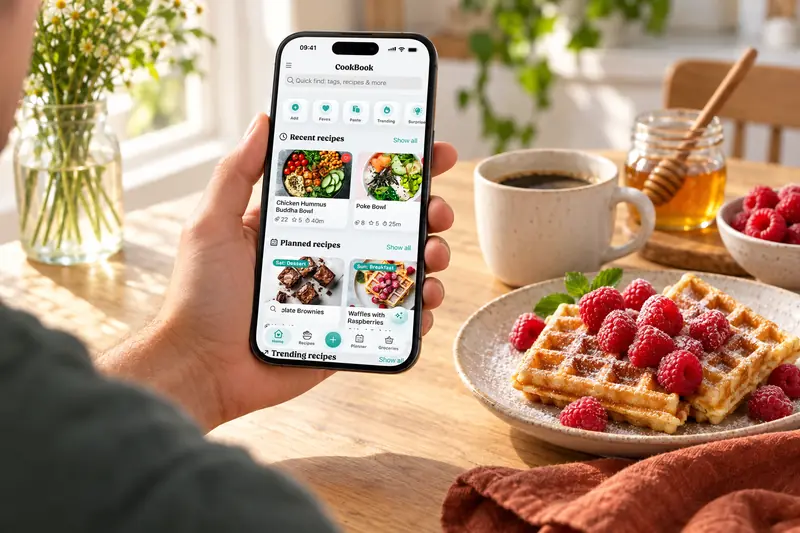
Seven app languages
A familiar language, from saving to cooking.
Use CookBook in English, French, German, Italian, Spanish, Polish or Portuguese. Open the app’s Settings, then Appearance, to choose your language.
The language picker on this website changes the website. Your installed app has its own language setting, so you stay in control of both.
Automatic import translation
Save it in the language you cook in.
Using the app in French, German, Italian, Spanish, Polish or Portuguese? Enable automatic import translation in Settings to translate recipes into that language as you save them.
It is your choice: automatic translation starts off, and you can keep it off when you prefer the source language. Review the saved ingredients and steps, just as you would any imported recipe.
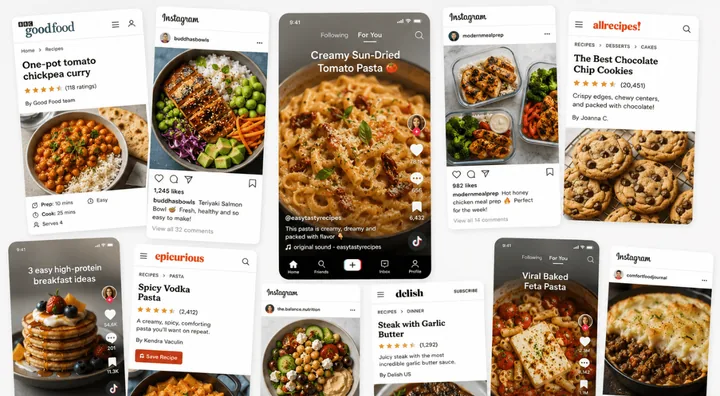
Your saved collection
Translate a recipe you already have.
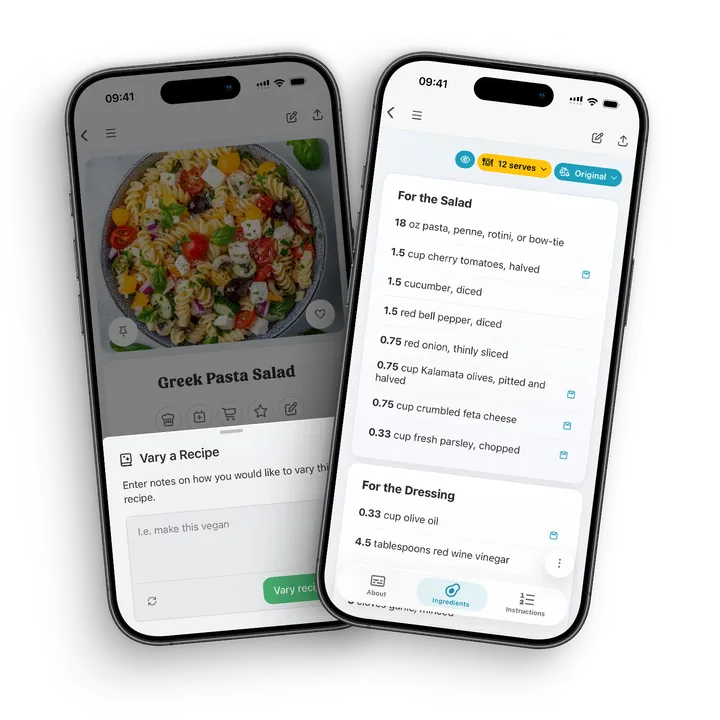
Open the recipe editor and choose Translate recipe from the AI variation options. CookBook uses your selected app language, including English, for the translated version.
Review the result before saving. Translation aims to preserve the recipe’s structure, quantities and measurements while making the wording natural. AI editing features require CookBook Pro.
Separate choices
Your language. Your measurements.
A French recipe does not have to mean a different cup size. App language and measurement preferences are separate: choose US customary, metric, imperial or Australian measurements for the way you cook.
Adjust the serving count, check the quantities and save the version you want to use. Your translated recipe can join the same tags, meal plans and shopping lists as the rest of your collection.
A little more help
Frequently asked questions
Which languages can I use in the CookBook app?
CookBook is available in English, French, German, Italian, Spanish, Polish and Portuguese. Choose the app language in Settings under Appearance. The website language picker changes this website, not your installed app.
Explore recipe translation Can CookBook automatically translate imported recipes?
Yes, when your app language is French, German, Italian, Spanish, Polish or Portuguese. Turn on automatic import translation in Settings. It is optional and starts off. Automatic import translation into English is not currently offered; use the saved-recipe Translate action instead.
Can I translate a recipe I already saved?
Yes. In the recipe editor, choose Translate recipe from the AI variation options. CookBook translates into your selected app language, including English. Review the result before saving. AI editing features are part of CookBook Pro.
See plans and pricing Does translating a recipe change its measurements?
Language and measurement settings are separate. Translation aims to keep quantities and measurements intact. Choose your preferred unit system separately and review the result, particularly when a recipe uses regional cup or spoon measures.
Can I keep the recipe in its original language?
Yes. Leave automatic import translation off when you prefer the source language. You can edit your own saved recipe later. Keep source attribution and review names, quantities and instructions when translating.
Still have a question? Visit our help centre.
Recipes from anywhere. A CookBook that feels like yours.
Save inspiration, make it familiar and cook from your own collection.
Get CookBook