A little more organised. A lot more cooking.
Plan meals without spreadsheets
Plan meals in CookBook by day, week or month using the recipes you already love. Move dinners when life changes, reuse favourites, adjust servings and turn the plan into a shopping list.
Free for 20 recipes. Available on iOS, Android & web.
Meal Planner
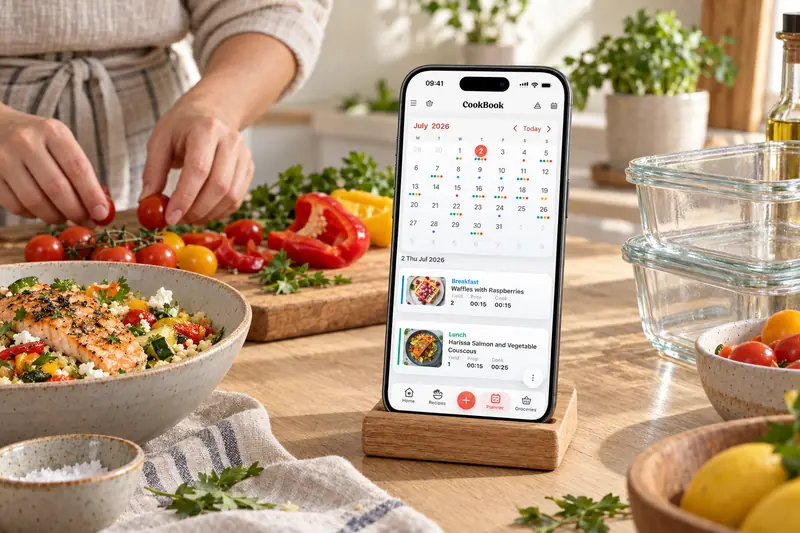
Plan by day, week or month
A meal plan is a schedule for the recipes you want to cook. Start with your saved favourites, choose a day and meal slot, then set the portions for that entry. Use day, week or month views to match the amount of planning you need.
- Add saved recipes to breakfast, lunch, dinner or your own meal slots.
- Set the servings for each planned recipe.
- Use week view to check that dinners fit your calendar.
- Print a plan or open it on another device signed in to the same account.
Flexibility
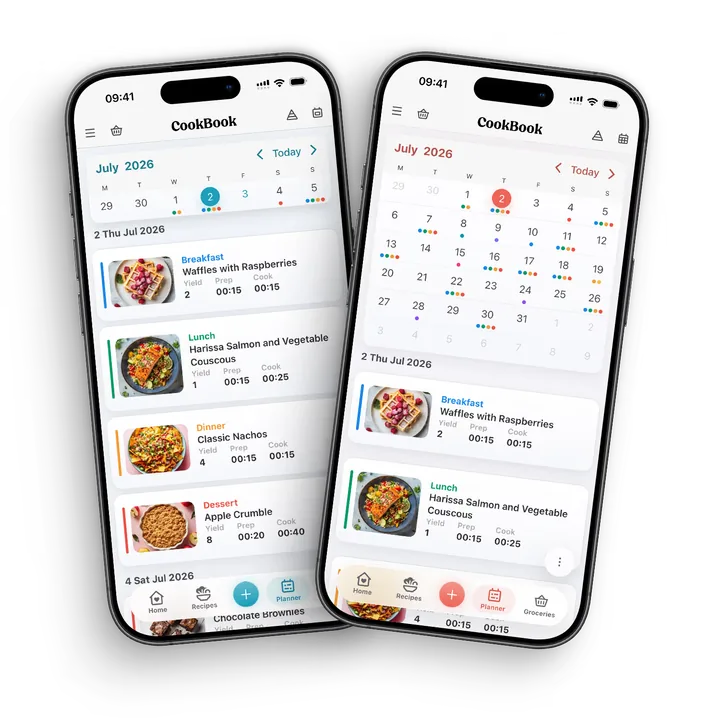
Change plans when life changes
If Thursday becomes a late working night, move its tray-roast dinner to Saturday. Open the planned recipe, choose Edit and change its date; save when the entry is where you want it. Use the Planner’s bulk copy or move controls for a date range.
A change to the plan is a reason to review your shopping list too. Remove ingredients needed only by the postponed meal, or keep them deliberately for the later dinner.
- Move one meal by editing its date.
- Copy a useful date range to start another week.
- Check portions when guests or appetites change.
- Write a clear note when a meal depends on leftovers.
Shopping list
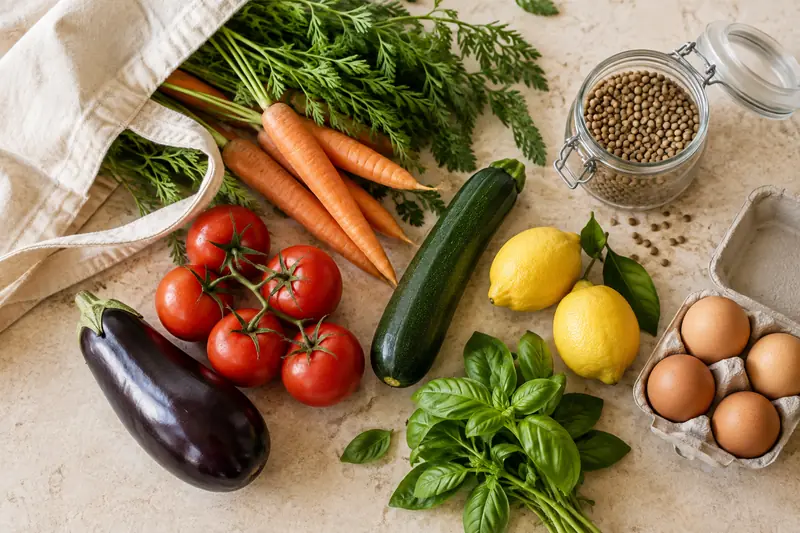
From meal plan to shopping list
Use the Planner shopping action to choose the dates you are buying for. Review the recipe ingredients and servings, then add them to your shopping list.
For a batch of soup that serves four across two dinners for two, buy the soup ingredients once. Mark the later meal as already prepared and add any new sides separately. CookBook does not automatically track your leftover stock.
Calories and macros
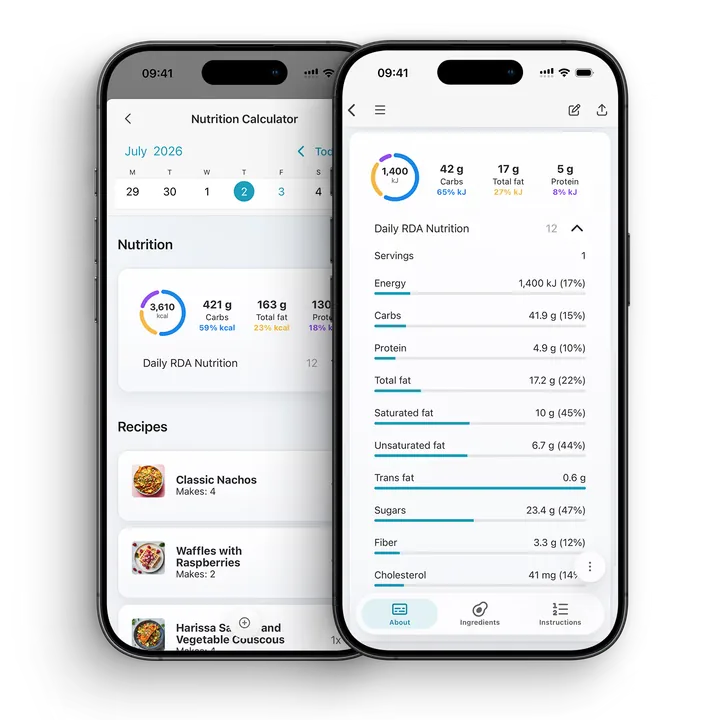
Plan with your own nutrition goals.
With CookBook Pro, use saved recipe nutrition to review daily totals alongside your own calorie and macro targets. Adjust the portions in the nutrition summary to reflect what you expect to eat.
For a recipe without nutrition information, enter the values you have or use CookBook Pro to calculate an estimate. Recalculate after changing ingredients or the recipe’s servings.
A little more help
Frequently asked questions
Can I plan meals by day, week or month?
Yes. CookBook supports flexible meal planning views so you can plan one day, a full week or a longer stretch when life is busy.
Can meal plans create shopping lists?
Yes. Planned recipes can be used to build shopping lists, helping you turn the week's meals into groceries without copying ingredients by hand.
Can I move meals when plans change?
Yes. You can move, copy and adjust planned meals because a useful meal planner needs room for leftovers, takeout, guests and schedule changes.
Can I plan on web and cook from mobile?
Yes. CookBook works across supported iOS, Android and web devices, so you can plan on a bigger screen and shop or cook from mobile.
Can I reuse meal plans?
Yes. You can use saved recipes and past plans as a starting point, which makes it faster to repeat family favourites or rebuild a good week.
Does CookBook help with family meal planning?
Yes. You can plan household portions and keep notes about meals and leftovers. The plan syncs between devices using the same account. CookBook does not offer linked family profiles or a shared plan between separate accounts.
Understand accounts and sharing Can I plan meals from recipes I imported?
Yes. Recipes saved from websites, Instagram, TikTok, photos, cookbooks or manual entry can all be planned once they are in your CookBook library.
Is CookBook only a calendar?
No. Meal planning is connected to your recipe manager, shopping lists and cooking workflow, so the plan turns into something you can actually shop from and cook.
Will changing a meal update my existing shopping list?
Review an existing list after changing the plan. Check the selected dates, servings and ingredients before creating another list, then remove or retain items according to what you still intend to cook.
Follow the five-dinner exampleStill have a question? Visit our help centre.
Your ultimate kitchen companion.
Tried, tested & loved by thousands of home cooks. CookBook is free to try, so jump in and see what all the fuss is about!
Get started for free