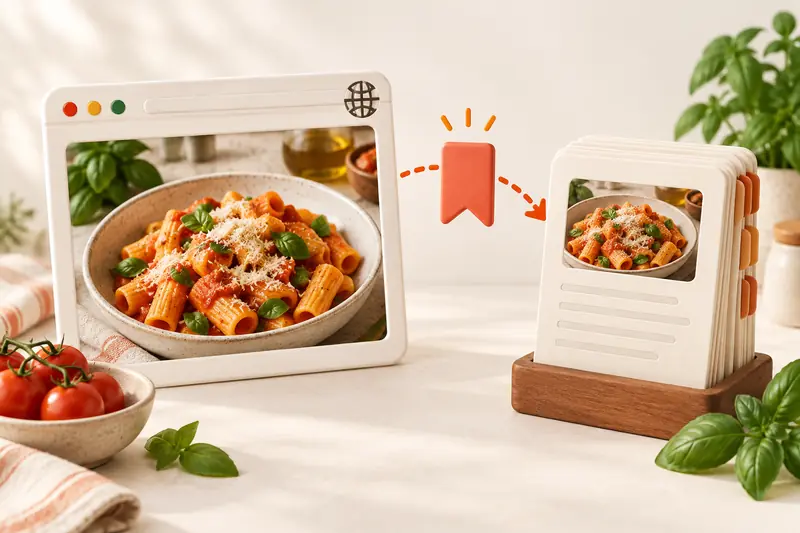
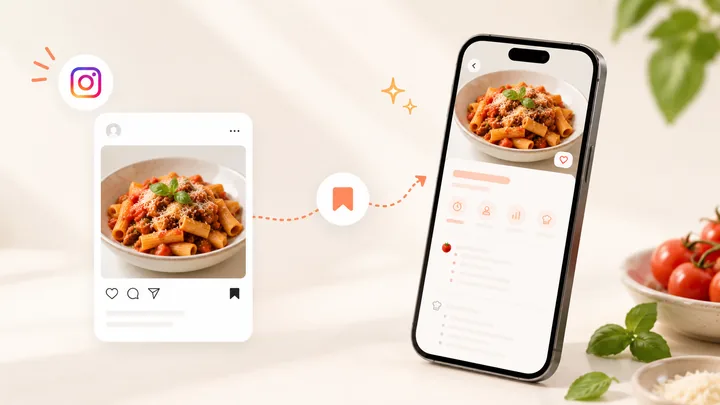
How do you save a YouTube recipe to CookBook?
Open the YouTube video, tap Share, choose More and select CookBook. Choose Edit recipe to review it before saving, or use Save to CookBook for the direct save option. You can also copy the video link, open CookBook, choose Paste and confirm. Start with a complete recipe you want to cook, rather than a collection of videos you may never find again.
Follow the current YouTube sharing instructions for the controls on your device. Get CookBook for iOS, Android and web.
In this article
What can AI read, hear and see?
For supported, accessible videos, CookBook’s AI can combine written recipe details and creator captions with available transcripts, audio and visible video frames. It can read the text, listen for spoken quantities and watch the cooking information shown in the video. Those sources help turn a video into ingredients and cookable steps.
Availability and detail still matter. A complete written description or original recipe link can provide clearer quantities than a short clip. If the source leaves something out or the video cannot be accessed, review the result against the creator’s recipe; missing information is not a reason to guess. See all import methods and CookBook’s AI features.
Save a YouTube recipe in five steps
- Open the individual recipe video. Expand its description and check for the original recipe link, quantities and servings.
- Share it to CookBook. On a supported mobile share sheet, choose Share, More and CookBook. If the app is missing, follow the setup links in the YouTube help guide.
- Choose Edit recipe. Review the title, ingredients, units, servings and steps in the preview before saving.
- Keep the original source. Retain the creator’s link and add a useful tag such as Weeknight dinners.
- Save and open the recipe. Confirm the version you saved is complete before you start cooking.
Using a copied link instead? Choose Copy in YouTube, then Paste and Confirm from the CookBook dashboard. You do not need to retype a complete written recipe simply because the share sheet is unavailable.
Choose the most complete recipe source
| What is available | Best next step | Check before cooking |
|---|---|---|
| Complete written description | Share the video or its original recipe link. | Fractions, units, quantities and servings. |
| Spoken or visible recipe details | Import the accessible supported video and review the AI result. | Ingredients and steps match what the creator actually says or shows. |
| A linked recipe website | Open and import the full recipe page if needed. | Use the recipe page rather than a homepage. |
| An incomplete or inaccessible source | Find the creator’s complete recipe or use text or an image you are entitled to save. | Do not infer missing amounts, temperatures or safety steps. |
What to do when an import is incomplete
A login requirement, removed video, access restriction or missing recipe detail can prevent a complete import. Look for the creator’s written recipe first. The website importing guide explains how to check a linked recipe preview.
For a screenshot of written ingredients, use the AI Recipe Scanner and check the extracted text. A photo of the finished dish is a different task: Dish Detector provides recipe inspiration, not an exact recovery of that creator’s recipe. Neither is a way to bypass access restrictions.
Turn the saved recipe into dinner
Suppose the saved recipe makes four portions and you are cooking for two. Check the source first, then use the servings calculator or CookBook’s serving controls to halve the ingredient amounts. Keep cooking time under review; it does not automatically halve.
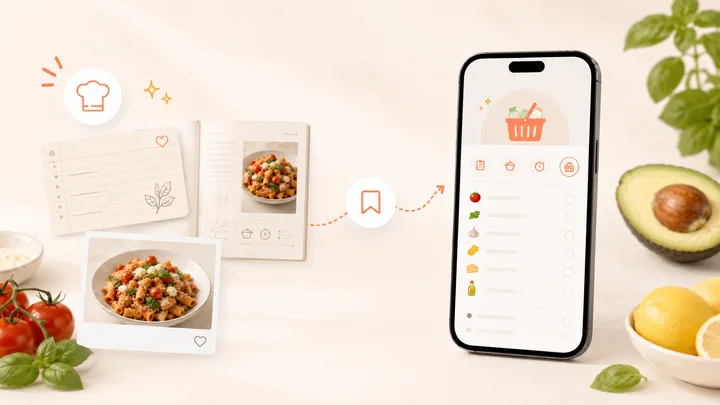
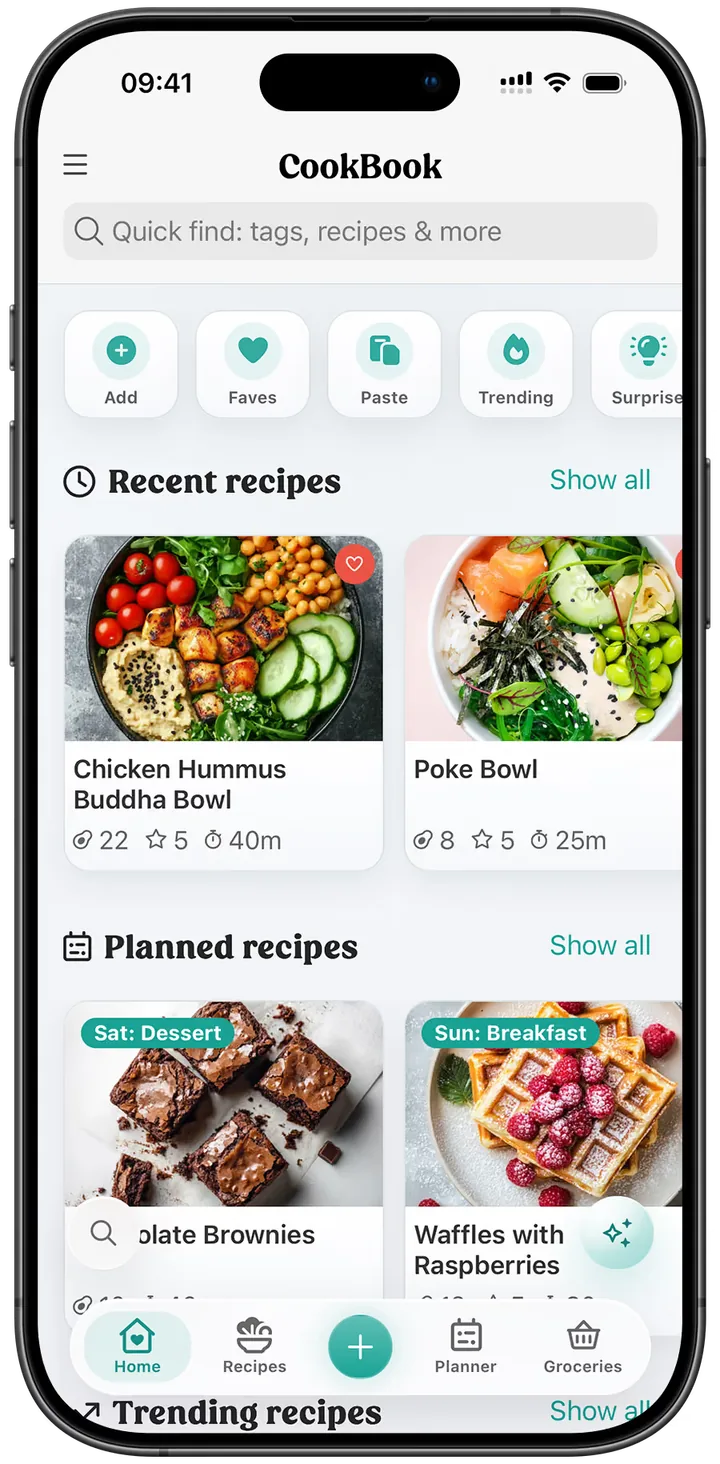
Add the checked recipe to your meal plan, turn the ingredients into a shopping list and open cooking mode at the stove. Use the retained video link when a shaping or folding motion is easier to see than describe. Keep your changes in notes for next time.
Saving a video in YouTube keeps a bookmark. Saving a checked recipe in CookBook gives you ingredients and instructions you can organise and use. Keep the creator’s credit and read personal recipe collection guidance before sharing copied material.
YouTube recipe-saving questions
Does CookBook only read the description?
No. For supported, accessible videos it can use written details, captions and available transcript, audio and visual information. A complete description or linked recipe remains useful input; review the saved recipe before cooking.
What if a video never gives the quantities?
Look for the creator’s full written recipe or another complete source. An attractive dish on screen does not establish exact ingredient quantities.
Can CookBook import every private or restricted video?
No. Access restrictions can prevent importing. Use a source you can legitimately save without assuming the importer has your YouTube login.