A little more organised. A lot more cooking.
Full featured web app
Use CookBook on a bigger screen when you want more room to import, edit, organise and plan. Your recipes stay synced with the mobile app.
Free for 20 recipes. Available on iOS, Android & web.
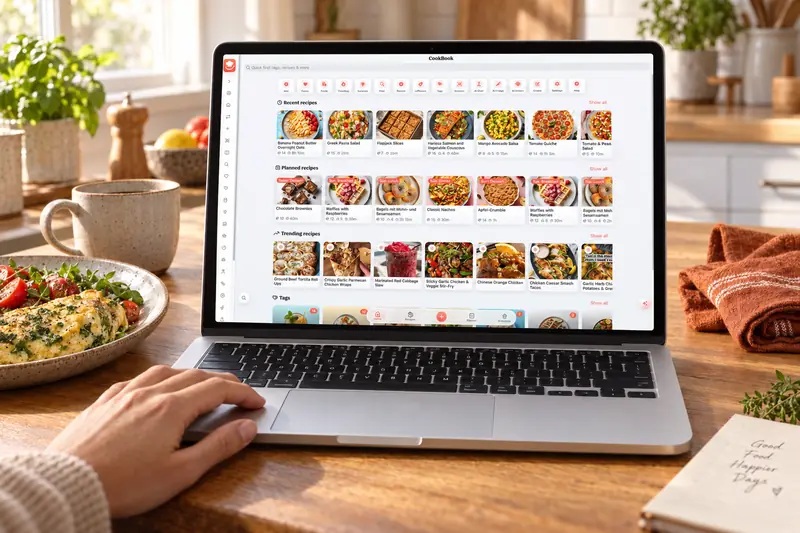
Work with recipes on a bigger screen
CookBook’s web app runs in your computer’s browser. Use the extra space to compare the source recipe with its editable version, work through untagged entries and prepare the next few dinners. Sign in with the same account you use on mobile.
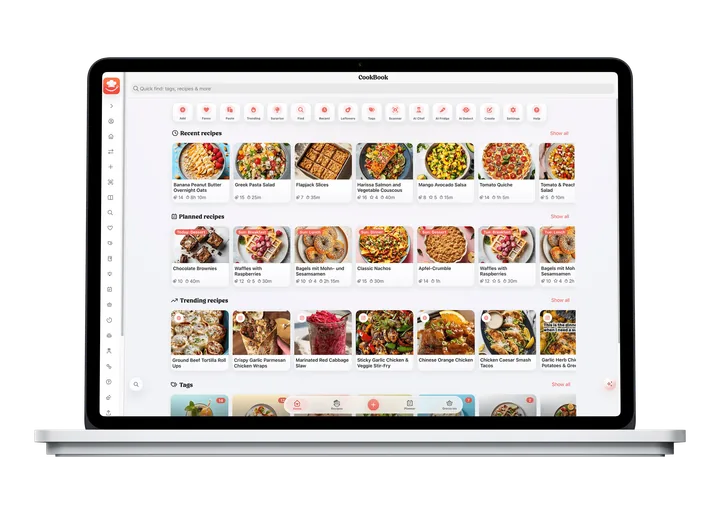
Import from your browser
Paste a recipe URL into CookBook or use the official Chrome extension while browsing. The extension also works in Microsoft Edge through Chrome Web Store installation; it is an optional shortcut, not a requirement for the web app.
Review servings, ingredient groups and the final method step before saving. Keep the original URL so you can return to the creator’s page.
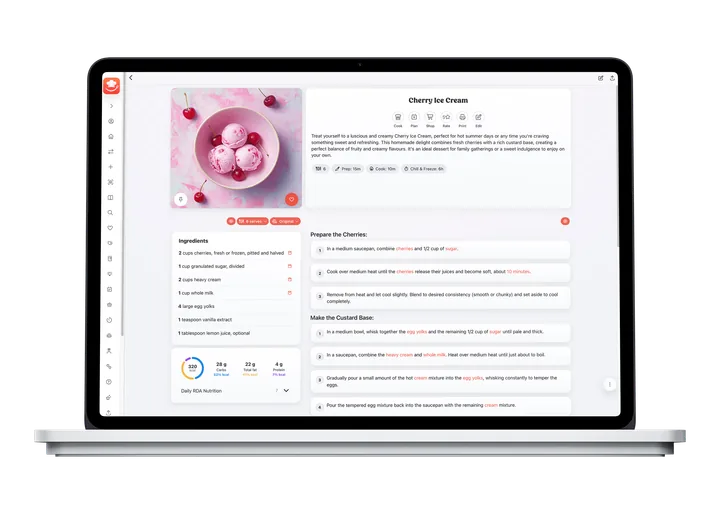
Plan meals from your computer
Choose saved recipes, place them in the planner and set the portions. A larger screen gives you room to review the week and change dates before building your shopping list.
Check the list again if a dinner moves or the serving count changes. Your phone can then use the same list when you head to the shop.
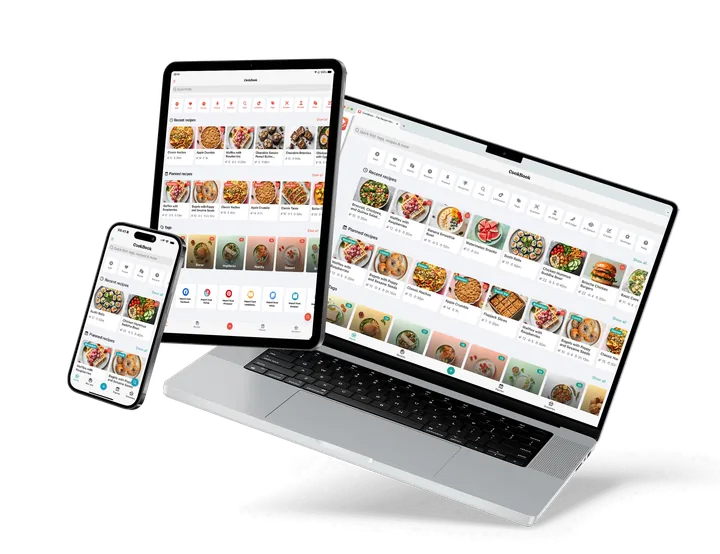
One CookBook, every device
Recipes, tags, meal-planner entries and shopping lists sync between supported devices using the same CookBook account. Local operating-system settings, such as notification permissions, stay specific to the device.
The web app is browser access to your account. It does not require buying a separate desktop licence, and signing into another person’s account is not the same as having linked family profiles.
Choose from seven app languages in Settings, and use your account to keep the same personal recipe collection close on your computer, phone and tablet.
A little more help
Frequently asked questions
Do I need the browser extension to use CookBook on a computer?
No. Open the CookBook web app in your browser and sign in. The Chrome extension is an additional way to import a page while browsing.
See website importing methods Can I edit on the web and cook on my phone?
Yes. Use the same account on both devices so recipes and edits sync. Review the latest saved version before cooking.
See what syncs Is the web app a separate paid plan?
No. Your CookBook plan follows your account across supported iOS, Android and web devices. Free limits and Pro options are shown on the pricing page.
Compare plansStill have a question? Visit our help centre.
Your ultimate kitchen companion.
Tried, tested & loved by thousands of home cooks. CookBook is free to try, so jump in and see what all the fuss is about!
Get started for free