Can you translate a recipe and keep its measurements?
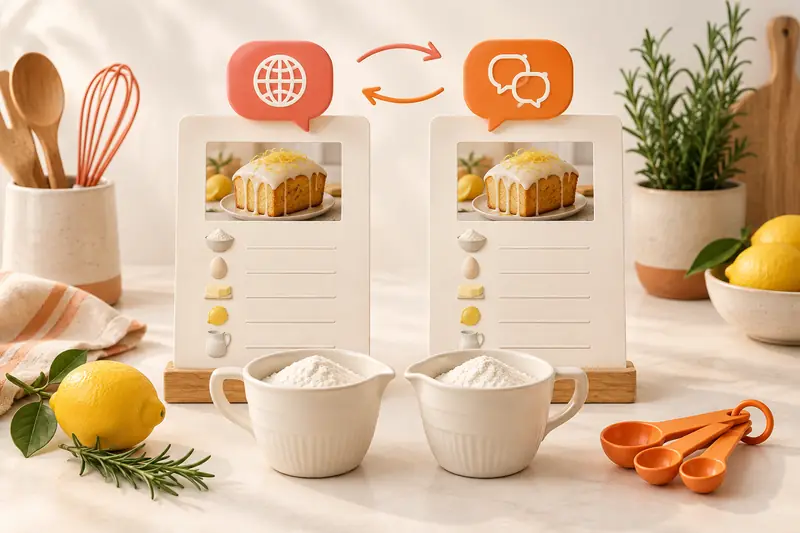
Yes. Treat translation, serving changes and unit conversion as separate actions. In CookBook, choose your app language, use automatic import translation or the saved-recipe Translate action, then compare quantities and instructions with the original before saving. Translation aims to retain the recipe’s measurements; it is still worth checking fractions and regional cup or spoon measures.
In this article
Choose when to translate
CookBook’s interface supports English, French, German, Italian, Spanish, Polish and European Portuguese. In Settings, under Appearance, select the app language. The website language picker does not change the installed app.
- While importing: automatic translation is optional and off by default. Turn it on for imports into French, German, Italian, Spanish, Polish or Portuguese.
- For a saved recipe: open its editor, choose the AI variation options and select Translate recipe. This Pro tool uses your selected app language, including English. Review the result before saving.
- To retain the source language: leave automatic import translation off and keep the original source link or copy.
See the language and recipe translation feature, app language settings and recipe-editing tools.
Keep the recipe, not just the numbers
Use these small examples to check a translated recipe. Ingredient identity, the measure and the cooking instruction all matter.
| Original recipe detail | What should stay the same | What to check |
|---|---|---|
| 200 g plain flour | 200 g of the same kind of flour. | Do not substitute self-raising flour just because its translated name looks similar. |
| 1/2 tsp salt | One half teaspoon of salt. | Keep the fraction and the teaspoon; do not turn it into a tablespoon. |
| Bake at 180°C for 20 minutes | The temperature, cooking method and time. | Do not add a fan-oven adjustment or change the time during translation. |
Ingredient names need context. Plain flour is not self-raising flour, and coriander leaves are not coriander seeds. Check unfamiliar names against the original recipe and its photograph. Preserve the variety or preparation where it affects the dish.
Review the whole recipe before saving
- Keep the original source and note its serving count and measurement system.
- Translate the recipe using the chosen CookBook action.
- Compare ingredient names, fractions, units and group headings line by line.
- Check the method for temperatures, times, order and instructions such as divided, drained or reserved.
- Correct a mismatch before saving. Keep a note of any deliberate substitution instead of presenting it as a translation.
Convert measurements only when you want to
A US cup and a metric cup are different measures even when both are translated as a cup. Select the recipe’s original convention in the unit converter before converting. For volume-to-weight estimates, choose the ingredient too.
Change servings separately in CookBook’s cooking tools or try the servings calculator. Scaling ingredient amounts does not automatically scale cooking time. Keeping the actions separate makes it easier to see which change affected the result.
Start with a recipe you know
Choose a favourite whose ingredients and method are familiar. Save it in CookBook, translate it and compare it with your original. Once checked, add it to your plan or shopping list just like the rest of your collection. Get CookBook or check Pro plans for saved-recipe AI editing.
Frequently asked questions
Can I translate a saved recipe into English?
Yes. Select English as your app language and use the saved-recipe Translate action with CookBook Pro. Automatic import translation into English is not currently offered.
Does translation turn cups into grams?
No. Language and measurement conversion are separate choices. Review the translated quantities, then choose a unit conversion deliberately if you need it.
Should I check a translated recipe before cooking?
Yes. Compare ingredient names, quantities, units, temperatures and instructions with the original. Correct any mismatch before saving and cooking.