Quick answer
Choose saved recipes, set the portions and add their ingredients to one CookBook shopping list. Review combined items and units, remove what you already have, then add household extras. You can start from individual recipes or a selected range in the meal planner. The final pantry and quantity check stays with you.
In this article
- See the CookBook workflow
- Quick answer
- Why recipe shopping lists are better than manual grocery lists
- What a smart recipe shopping list should do
- Why choose CookBook for recipe-based shopping?
- A practical workflow for weekly groceries
- Two recipes, one reviewed shopping list
- Review or split a combined item
- After the plan changes
- Shopping across devices and households
- Common mistakes to avoid
- FAQ
- Make your next grocery list from two recipes
- CookBook shopping instructions
Product evidence
See the CookBook workflow
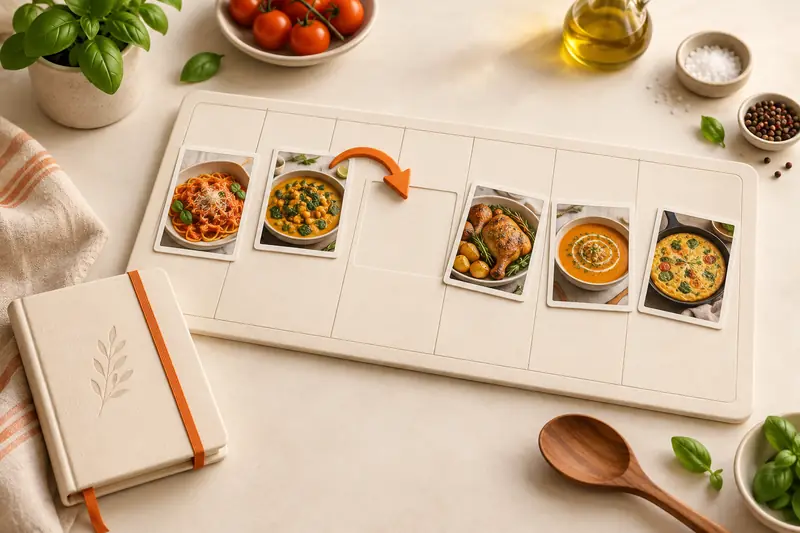
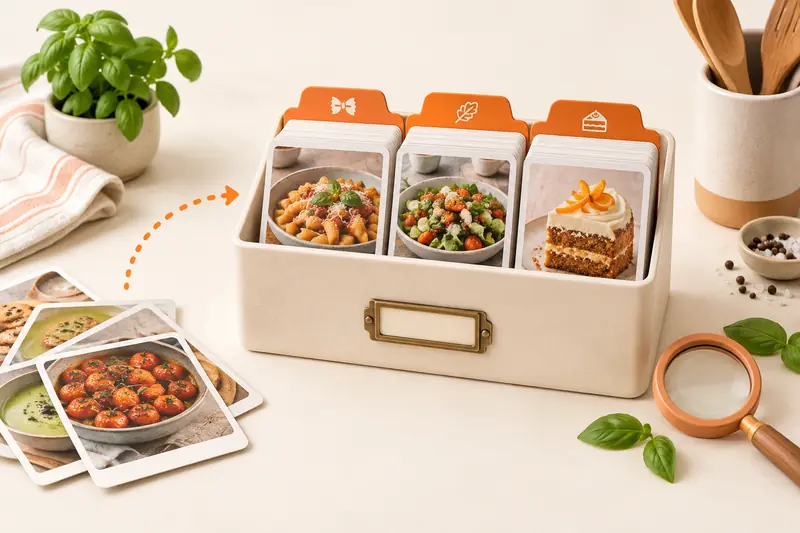
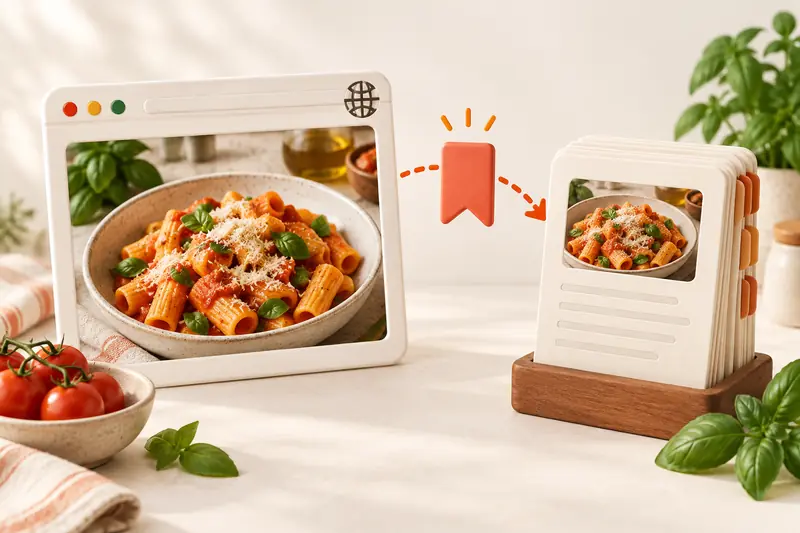
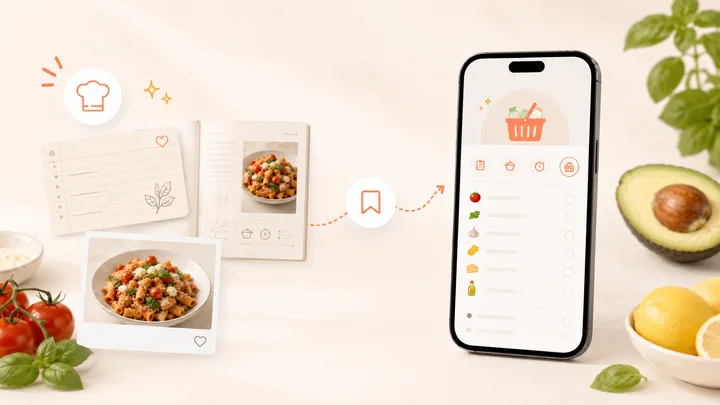
Use these CookBook screens to follow the recipe from capture to an organised collection and a shopping list. The worked example below explains what to check in your own recipe.
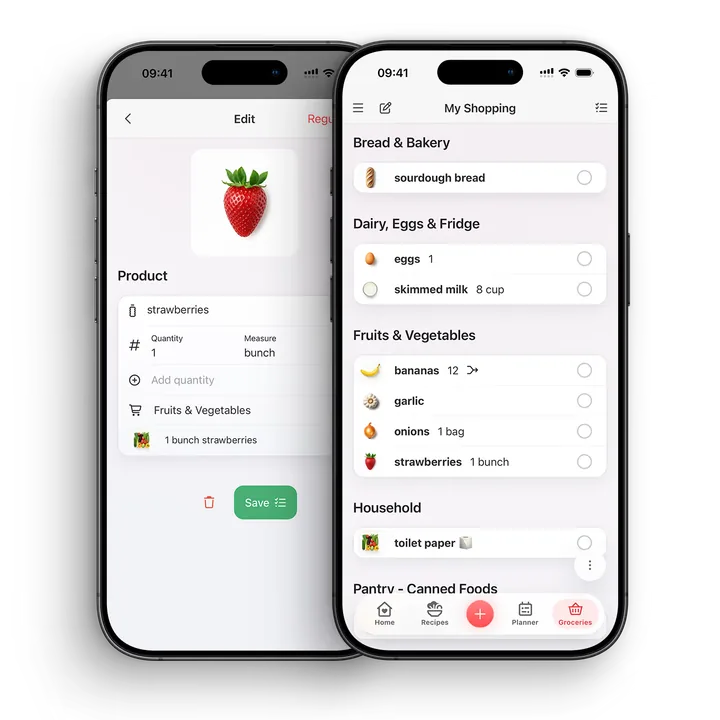
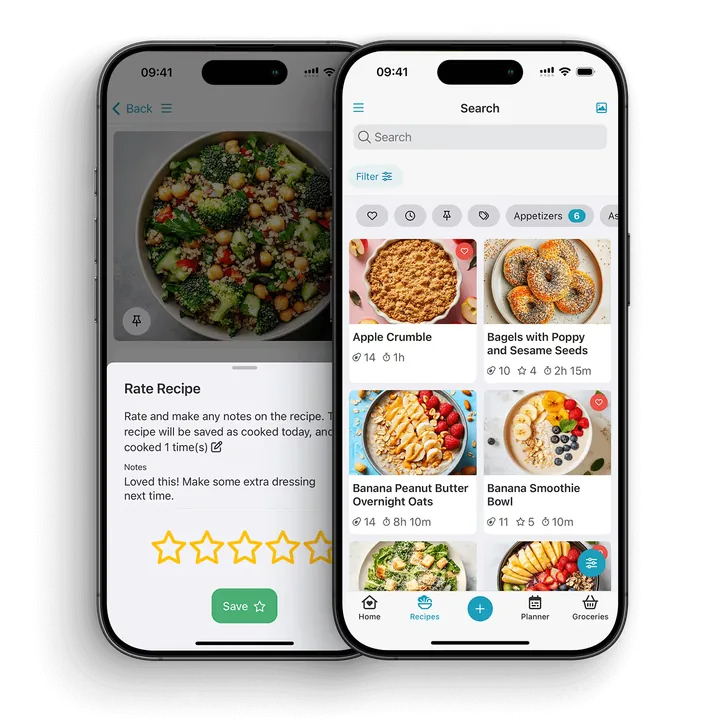
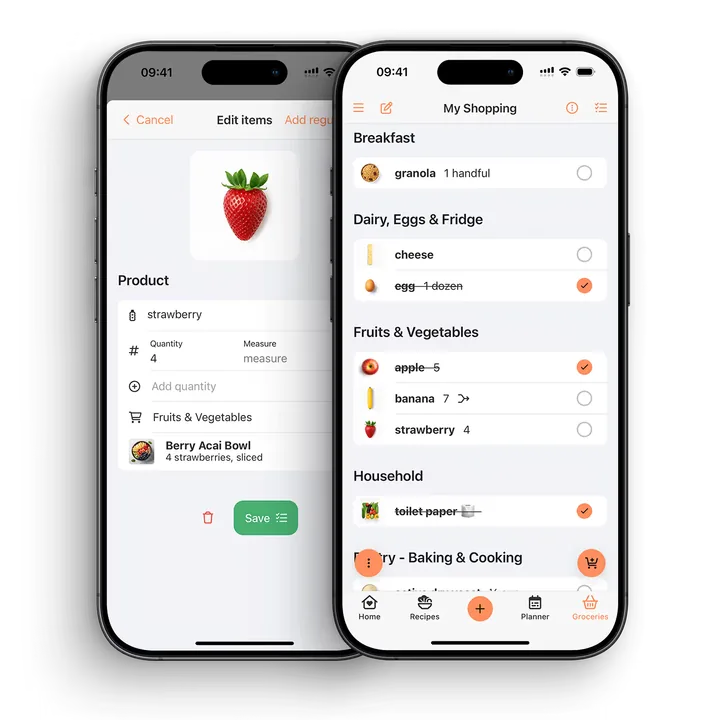
Put the workflow into practice
- Choose two recipes and set their servings.
- Add the ingredients to one list and inspect the repeated items.
- Subtract food you already have from the amount to buy.
- Add a household extra, then review the list once more before shopping.
Check before you cook
- Pantry contents need your own check.
- Different measures or ingredient forms may need separate entries.
- Changing a meal plan is a reason to review an existing list.
Why recipe shopping lists are better than manual grocery lists
A manual shopping list starts from memory. A recipe shopping list starts from what you actually plan to cook. That difference matters. When your list is built from recipes, you are less likely to forget the small ingredients, buy duplicates, or stand in the aisle trying to remember which dinner needed parsley.
For home cooks, the best workflow is simple: save the recipes, plan the meals, generate the shopping list, then adjust anything you already have at home.
What a smart recipe shopping list should do
Pull ingredients from recipes
The app should let you add one or more recipes to a shopping list without copying every ingredient by hand. This is the foundation of a good recipe-to-grocery workflow.
Merge repeated ingredients
If three recipes use garlic, butter, or rice, the list should help you see that clearly. Merging ingredients makes the list easier to scan and reduces duplicate buying.
Stay editable
A generated list should not be locked. You may already have salt, want extra lemons, or need to swap an ingredient. A useful shopping list is automatic when it helps and flexible when you need control.
Work across devices
CookBook syncs shopping lists across devices signed in to the same account. That lets you prepare a list on the web and use it on your phone. Separate family accounts are not linked automatically; sharing a recipe is different from sharing a live list.
Connect to meal planning
The strongest shopping lists come from your meal plan. When you know what you are cooking this week, the list becomes more accurate and less stressful.
Check servings before adding ingredients. CookBook scales recipe quantities for the number you choose and offers original, US, metric, imperial and Australian unit options. Review amounts after any conversion, especially when moving between weight and volume, where the ingredient’s density matters.
Why choose CookBook for recipe-based shopping?
CookBook is a strong fit when the recipes you choose should decide the groceries you buy. Start with an imported recipe, a family favourite or several planned meals. Their ingredients feed a list you can edit and use on your phone.
- Keep the dinner behind the ingredient: open an item’s recipe details when you need to check what it is for.
- Bring repeated ingredients together: review grouped items, adjust the amounts and split an entry when the food forms or units need to stay separate.
- Make one practical shop: add household extras beside your recipe ingredients and tick items off as you go.
- Plan on a larger screen: prepare the list in the web app and open it on your phone using the same account.
A simple checklist is enough when you already know what to buy. Choose CookBook when you also want to keep the recipes, meal plan and ingredient quantities behind that list. The pantry check and final purchasing decisions remain yours.
A practical workflow for weekly groceries
Step 1: Choose the recipes you want to cook
Start with the meals that are actually happening: dinners, lunches, baking, snacks, or family events. Add them to your plan before generating the list.
Step 2: Generate a shopping list from the recipes
Open the recipe’s shopping action, or use the Planner’s shopping action for a date range. Check the selected servings and ingredient items before adding them to a list. If you generate another list after changing the plan, compare it with any list you already started to avoid shopping from both.
Step 3: Check your pantry
Before you shop, remove anything you already have and review quantities, units and substitutions. CookBook does not automatically know what is in your pantry.
Step 4: Add household extras
Recipe lists cover ingredients, but you may still need milk, fruit, cleaning items, lunchbox snacks, or staples. Add those before you leave.
Step 5: Shop and tick off items
Use the list in the store and tick off items as you go. If plans change, update the list rather than starting again.
Two recipes, one reviewed shopping list
Use this small ingredient example to review a combined list. Suppose the portions you chose need the amounts below. These are quantities for the shop, so make any serving changes before doing the arithmetic.
| Ingredient | Recipe one needs | Recipe two needs | Quantity to check |
|---|---|---|---|
| Carrots | 200 g | 300 g | 500 g before the pantry check |
| Garlic | 2 cloves | 3 cloves | 5 cloves |
| Olive oil | 15 ml | 1 tbsp | Confirm the tablespoon system before converting or combining |
| Oats | 1 cup | 100 g | Keep both measures until you have a suitable weight conversion |
Matching grams can be added directly. A tablespoon may mean a different volume under different measurement systems, while cups of oats and grams of oats measure different things. Keep the source quantities visible until the units are clear. A merged-looking item is still worth checking.
If you already have 200 g of usable carrots, change the shopping quantity to 300 g. Keep the recipe amounts unchanged: the pantry affects what you buy, not what the dishes require. Then add one non-recipe item, such as washing-up liquid, so you leave with one complete list.
Review or split a combined item
CookBook groups compatible ingredients and supports editing quantities and aisles. Check items whose preparation or form matters, such as cooked versus dry rice or fresh versus dried herbs. If a combined entry is not useful for your shop, open its edit controls and use Split where available. The grocery-list editing guide explains merged items, unmerging and allowing a merge again.
The list preserves connections to its source recipes so you can check what an ingredient is for. Keep those details useful: a shopping quantity should answer both “how much?” and “for which dinners?”.
After the plan changes
If you postpone a recipe, revisit the list before leaving. Remove ingredients needed only by that recipe, retain shared ingredients at the amount still required, and keep anything you intentionally want for a later shop. For a batch-cooked dinner used twice, buy the recipe’s full ingredient amount once rather than ordering the leftover portion again.
Follow the five-dinner meal-planning example to connect those choices to the calendar. For staples you regularly add, use Regular Items as a reusable starting list, then copy only what you need into the active shop.
Shopping across devices and households
A list syncs between the supported phones, tablets and browsers using your CookBook account. CookBook does not provide separate linked family profiles. Keep that distinction in mind when choosing a household workflow; the account-sharing guide explains the options. You can also print a grocery list from its More menu.
Instacart ordering is available for eligible lists in the United States and Canada where service is supported. See the shopping-list feature for the app’s list and ordering options.
Common mistakes to avoid
- Building the list before choosing meals: plan first, then shop.
- Forgetting pantry checks: generated lists still need a quick reality check.
- Using screenshots as a shopping list: screenshots are hard to merge, tick off, and edit.
- Not checking servings: scale recipes before shopping if you are cooking for more or fewer people.
- Keeping lists separate from recipes: the list is more useful when it is connected to the meals you plan to cook.
FAQ
Can an app make a shopping list from recipes?
Yes. CookBook can help turn recipe ingredients into smart shopping lists, especially when you are planning multiple meals at once.
What is a smart shopping list?
A smart shopping list is a grocery list connected to your recipes and meal plan. It can help merge ingredients, stay editable, and sync across devices while you shop.
How do I make a grocery list for a week of meals?
Choose the recipes for the week, add them to your meal plan, generate a shopping list from the ingredients, then remove anything already in your pantry.
Can CookBook merge ingredients from multiple recipes?
Yes. CookBook groups compatible ingredients from your selected recipes. Check the amounts, units and food forms, and edit or split a combined item when you need separate entries.
Can I add non-recipe groceries to the list?
Yes. A practical shopping list should include recipe ingredients and any extra groceries or household items you need.
Can I use recipe shopping lists without meal planning?
Yes. Add ingredients from one recipe or several recipes directly to a shopping list. A meal plan can help you choose which recipes to include, but you still need to check portions, pantry items and quantities.
Can I shop from my phone?
Yes. CookBook works across iOS, Android, and web, so you can plan on one device and shop from another.
Can recipe shopping lists help reduce waste?
They can help because you shop from meals you actually plan to cook. You still need to check your pantry and adjust quantities, but a recipe-based list is a stronger start than guessing.
Can I use recipes from TikTok or Instagram in shopping lists?
Yes. Once a social recipe is saved in CookBook, it can become part of your planning and shopping workflow.
Make your next grocery list from two recipes
Choose two dinners in CookBook and set their portions. Add their ingredients to one list, check what is already in the kitchen and include your household extras. Open the result on your phone before leaving. That small first shop shows how your saved recipes can do more of the preparation work.
Explore shopping lists or download CookBook and build your first recipe list. See the free and Pro plans for recipe, import and list allowances.
CookBook shopping instructions
Creating and using shopping lists, editing and splitting merged items, changing planned meals and device sync.
Still choosing a tool? Compare grocery-list apps for recipe ingredients and shared household shopping.