When is Mealime closing?
Mealime will be discontinued on 21 October 2026. Its official successor is Meals Hub, available through Albertsons Companies apps and websites. If you want to plan from recipes you collect yourself, CookBook brings your saved recipes, meal plan and shopping lists together.
Read Mealime’s official closure notice. It says its recipe catalogue will continue in Meals Hub, so the app closing does not mean those published recipes disappear.
Tip: bring your Mealime favourites into CookBook
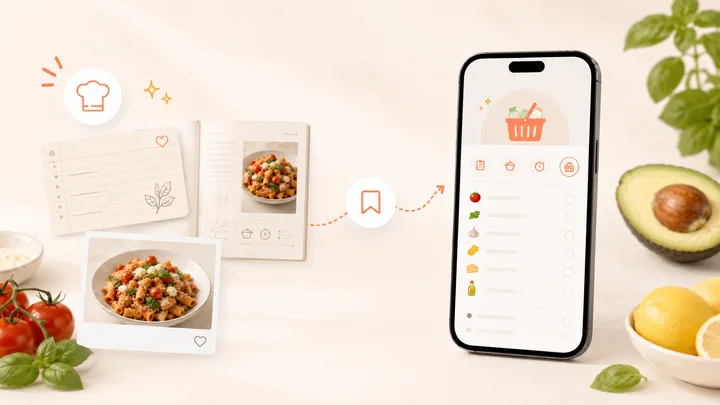
The best place to start is the CookBook Chrome extension. Open each Mealime recipe in Chrome and use the extension to import it into CookBook, one recipe at a time. If the recipe data is available on the page you have open, it should import smoothly. Check the ingredients and instructions in the saved recipe before moving on to the next.
In this article
What to do before 21 October
- Make a short list of the meals you return to most. Record their names and any original recipe links, plus your own changes and serving notes.
- Review your saved preferences, favourites and account settings. Do not assume that signing in to a new service will reproduce them.
- Keep a separate copy of your own notes and any personal recipes you are entitled to save. Check a saved copy opens before relying on it.
- Try your next planner with a few dinners before moving your routine. Check how you add recipes, adjust servings and take a shopping list to the store.
Want the same recipe catalogue? Start with Meals Hub
Mealime says Meals Hub is free, includes its recipes and is run by the same core team. You can browse, plan and make shopping lists even if you do not shop at an Albertsons store. In a supported store app, open More, then Meals Hub.
The notice says to create or use an Albertsons account and set some preferences again. It also says no further Mealime Pro charges will be taken before closure and that Mealime personal data will be deleted when the app shuts down. Check the official notice for updates and account questions.
Want to plan from your own collection? Choose CookBook
Your regular dinners might come from family recipes, a food blog, a Facebook post or a recipe you changed until it worked for you. CookBook keeps those recipes in one private collection, ready to add to a plan and turn into a shopping list.
- Save recipes from links, social posts, photos and your own notes.
- Choose your recipes and servings for the days you want to plan.
- Build a shopping list from those meals, then remove what you already have.
- Plan on your computer and use the same account on your phone.
Start with the free allowance of 20 saved recipes, 20 smart imports and 2 shopping lists. See CookBook plans for Pro features and the yearly trial.
Can you transfer a Mealime account to CookBook?
There is no supported bulk Mealime-to-CookBook transfer listed in CookBook’s import guide. For a recipe with an accessible original website link, use the website importing steps and check the saved result. Keep your own notes separately. Do not treat a favourites list as a complete recipe export.
If you have an export file, contact the team with its format before making plans around a transfer. You do not need to send account passwords.
Choose your next week, not just your next app
Meals Hub is the natural starting point for the existing Mealime catalogue. CookBook fits a routine built around your own collected recipes. For other planner styles, read our meal-planning app comparison.
Get CookBook, save a few dinners you already enjoy, then follow the five-dinner planning walkthrough. A small first week lets you decide whether the workflow fits.
Frequently asked questions
What is replacing Mealime?
Meals Hub is the official successor named by Mealime. CookBook is a separate option for people who want to collect their own recipes and plan from them.
Will CookBook automatically transfer my Mealime favourites?
No automatic Mealime account or favourites transfer is offered here. Check whether you have an accessible original recipe link or a supported export before choosing an import method.